Nuevas tecnologías en educación M2: Tarea Autentica
New technologies in education M2: Authentic Task
Keywords
Summary
130 words
Critical Evaluation
Value of the Information & Strength of the Argument
The video provides practical value by showcasing multiple AI tools that can automate presentation design, thus saving time and effort. The argumentation is straightforward and relies on demonstrations rather than deep theoretical discussion. The professor argues that using AI for design allows students to focus on content quality, which is a valid point. However, the reasoning is not deeply scientific; it is more of an experiential sharing of tool usage. The tutorial is useful for its intended audience, but it lacks critical evaluation of the tools’ reliability or ethical considerations.
Scientific Rigor, Source Quality, Title Accuracy
The video does not cite specific academic sources, though it instructs students to research credible sources. The tools demonstrated are not referenced with official documentation, but the tutorial is based on practical experience. The title accurately describes the content, as the video is specifically about the authentic task in the module. The content aligns with the title and provides clear guidance on the assignment requirements and how to use technology to fulfill them.
178 words
Title / Content Match
The title accurately reflects the content: a module on authentic tasks in new technologies education, with a focus on creating presentations.
Quality & Reliability
6/10
The video is a practical tutorial from a professor explaining how to complete an assignment, but it lacks deep scientific rigor and relies on anecdotal examples. The information is consistent and reliable for its purpose, though sources are not explicitly cited.
Key Moments
Markers derived by PSI from the transcript: the creator did not define chapters.
- Explanation of plan de trabajo and deadline change to 26th.
- Overview of the authentic task: research internet risks in Mexico and create a presentation with infographic.
- Demonstration of example content using Immanuel Kant as a sample.
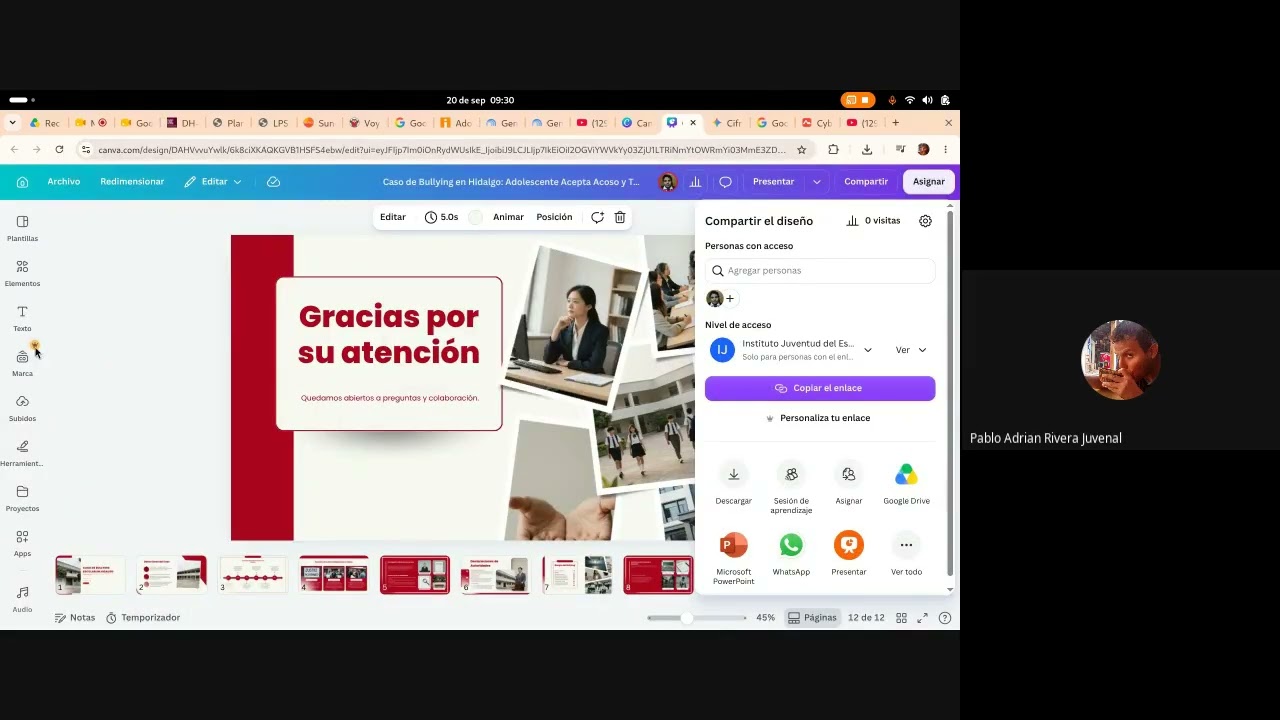
- Using Canva AI to generate a presentation from text.
- Demonstration using NotebookLM to create a presentation and infographic.
- Using Kimi tool, encountering saturation issues.
- Using Lovable for presentation generation.
- Using Google Pix to generate a presentation, and Kween as another tool.
Contribution & Novelties
The video’s original contribution is its practical demonstration of using multiple AI tools to create educational presentations, emphasizing the shift from content creation to curation. It offers a comparative look at tools like Canva, NotebookLM, Kimi, Lovable, Google Pix, and Kween, showing their ease of use and limitations.
Pour aller plus loin :
- Intelligence artificielle — Provides background on AI, relevant to understanding how these tools work.
- Infographie — Explains the concept of infographics and their design principles, useful for the assignment.
- Citoyenneté numérique — Addresses the ethical dimensions of digital participation, a key topic in the task.
98 words
Radar Profile
The radar profile is balanced, with slightly higher scores in information quantity and quality, reflecting the tutorial's practical guidance, while technical level is moderate due to limited depth in explaining the AI algorithms.