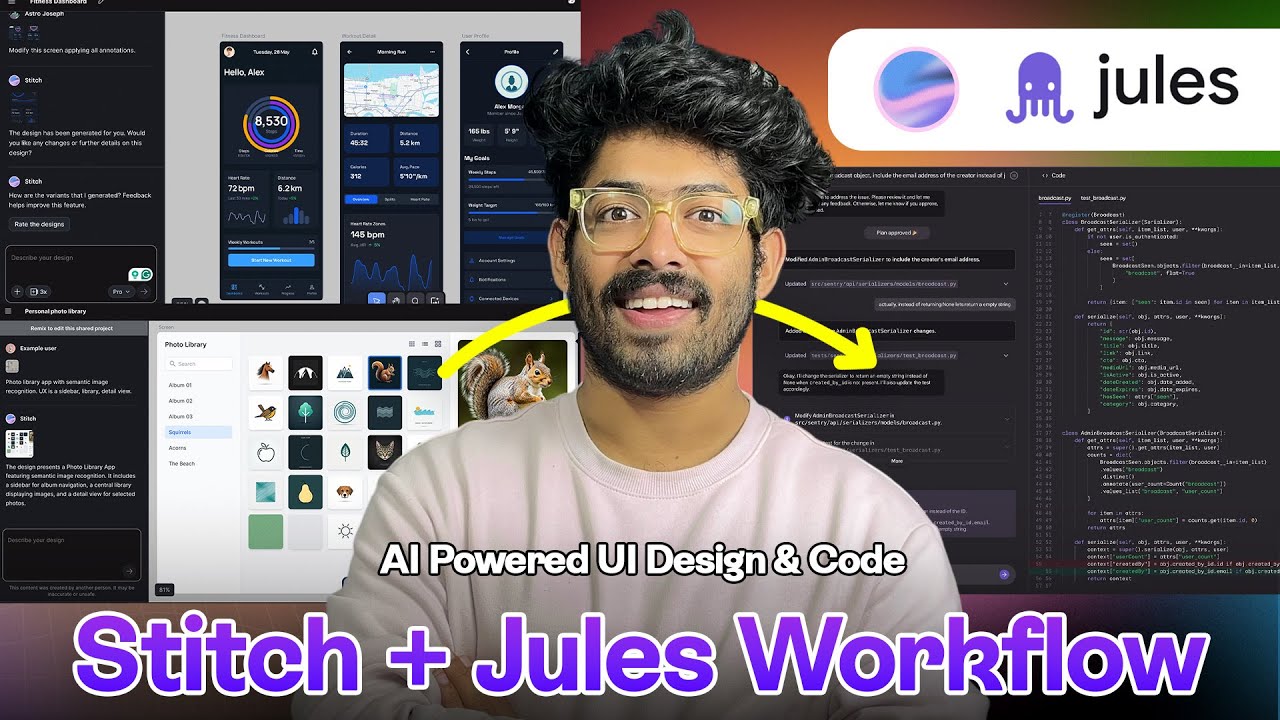
Stitch + Jules AI: The Ultimate UI Design & Coding Workflow (Must-See!)
Keywords
Summary
141 words
Critical Evaluation
Value of the Information & Strength of the Argument
The video provides a valuable, hands-on demonstration of how two Google AI tools can be integrated for rapid UI development. It outlines the steps clearly, from prompting in Stitch to reviewing and merging PRs in Jules. The argumentation is persuasive, focusing on time-saving and ease of use. The sponsor segment is clearly separated, and the technical claims (e.g., export to code, GitHub repo linking) are demonstrated in real time, strengthening the tutorial’s credibility.
Scientific Rigor, Source Quality, Title Accuracy
The video maintains a reasonable level of scientific rigor for an applied tutorial. It references official tools (Stitch and Jules) and provides their links in the description. However, it does not cite external studies or independent sources, and the content is primarily the creator’s experience. The title accurately matches the content, which is a comprehensive guide to the Stitch+Jules workflow. No public comments are available for further analysis.
156 words
Title / Content Match
The title accurately reflects the content, which is a detailed walkthrough of combining Stitch and Jules for AI-driven UI design and coding.
Quality & Reliability
7/10
The video provides a clear, practical demonstration of Google Stitch and Jules integration, but includes a significant promotional segment for the sponsor (Omnisend). The tools are real and current, but the evaluation is based on the creator's personal experience without independent verification.
Key Moments
Markers derived by PSI from the transcript: the creator did not define chapters.
- Introduction to Google Stitch and its availability in Google Labs.
- Creating a fitness tracker UI with a text prompt, choosing app mode and experimental mode.
- Using the annotate-to-edit feature to fix an overlapping issue on the dashboard screen.
- Adjusting the theme (color, font, corner radius) and generating multiple design variants.
- Demonstrating export to Jules for a mobile app, including selecting a GitHub repo and creating a task.
- Creating a web UI for an audio transcription site and exporting it to Jules for implementation.
- Reviewing the final result: Jules created a pull request, merged it, and the app is deployed with the Stitch design intact.
Cited Sources
- Stitch - Official — Main tool being demonstrated for AI-powered UI design.
- Jules - Official — AI coding assistant that receives designs from Stitch and implements code.
- Omnisend (Sponsor) — Email marketing platform sponsored in a section of the video.
- aiholiq Newsletter — Creator's newsletter mentioned at the end.
- Scrimba (Affiliate) — Sponsor link for a coding learning platform.
- Creator's Website — Personal website of the video creator.
- Creator's LinkedIn — Professional profile of the creator.
Concurring Sources
- Stitch - Official — The tool is officially presented as free and available in Google Labs.
- Jules - Official — Jules is showcased as an AI coding assistant that can tackle real coding tasks.
Contribution & Novelties
The video offers a clear demonstration of the newly integrated workflow between Google Stitch and Jules, highlighting the ability to go from a design prompt to production-ready code in minutes. It introduces Stitch’s latest features such as annotate-to-edit, theme adjustment, and variant generation, which are not widely covered in other sources. The main contribution is showing the seamless handoff of designs to Jules, which then autonomously creates pull requests and manages deployment.
Pour aller plus loin :
- Google Stitch — Official tool for AI-driven UI design; relevant to understanding the core subject.
- Google Jules — Official AI coding assistant used to convert Stitch designs into code.
- User interface design (Wikipedia) — Foundational concept for UI creation, useful for context.
- AI-assisted development (Wikipedia) — Broader context of AI in software development.
130 words
Radar Profile
The profile shows balanced scores across information quantity, quality, technical level, and reliability, with a slight dip in reliability due to the promotional nature. The video is strong as a practical guide but does not attempt to critically evaluate the tools.