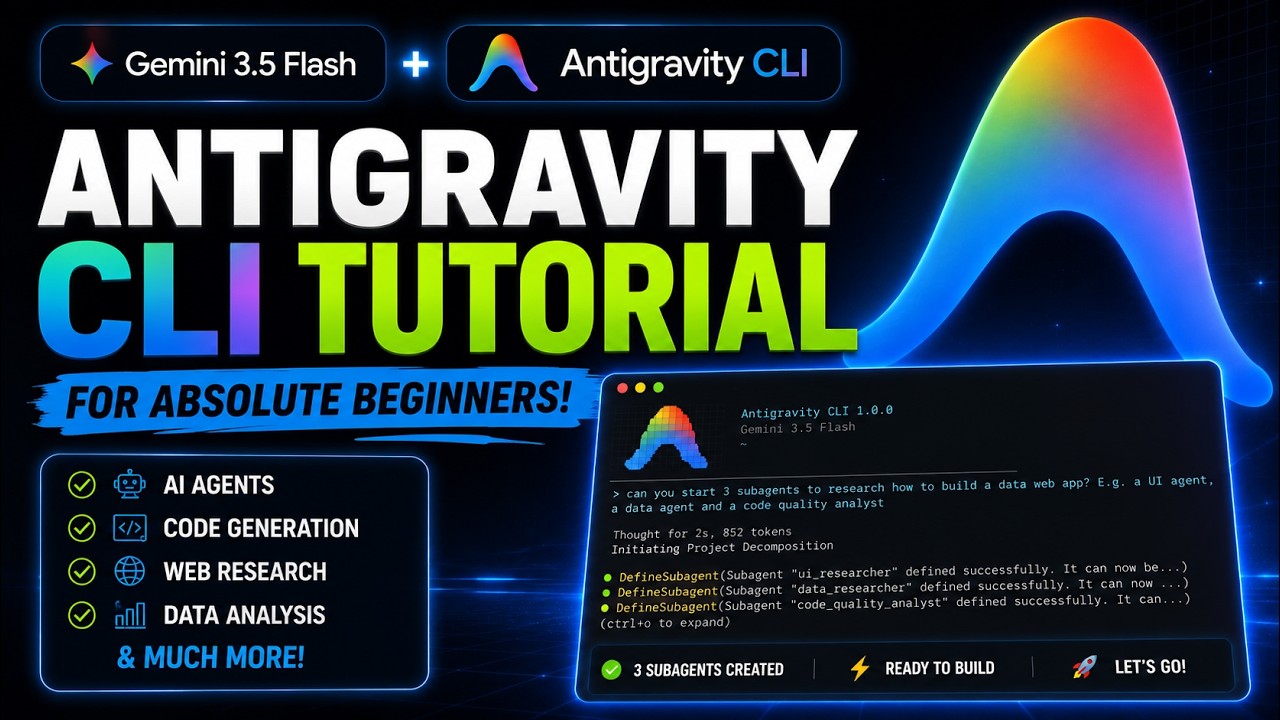
Antigravity CLI Shocked Me... Better Than Claude Code & Gemini CLI?
Keywords
Summary
196 words
Critical Evaluation
Value of the Information & Strength of the Argument
The video delivers practical value for developers new to Antigravity CLI by providing step-by-step instructions, clear demonstrations, and realistic use cases. The creator argues that Antigravity CLI is intuitive and powerful, supporting the claim with a live coding session that showcases its planning, execution, and permission system. The argumentation is primarily anecdotal, based on personal experience, and lacks comparative benchmarks or objective performance data. The inclusion of a testing tool (TestSprite) adds credibility by showing an integration ecosystem, but the overall argumentation would benefit from more critical analysis of limitations (e.g., model quality, speed, edge cases) and a structured comparison with competing tools. The logic is coherent, and the steps are well-exemplified, but the evidence is not systematically rigorous.
Scientific Rigor, Source Quality, Title Accuracy
The scientific rigor is moderate. The video cites official sources (Antigravity Google product page, TestSprite website) and provides links in the description, which helps traceability. However, the content relies heavily on the creator’s own experience and promotional material (Porkbun and TestSprite sponsorships are disclosed). The title is somewhat clickbait-like, promising a comparison that is only superficially delivered. There is no reference to documentation, benchmark studies, or user reviews. The tutorial is accurate in describing the tool’s features, but it does not critically assess potential pitfalls or compare objectively. Adequation between title and content is decent: the video covers the tool and briefly touches on Claude Code and Gemini CLI, but the ‘shocked’ element is not substantiated. Overall, the source quality is acceptable for a hands-on tutorial, but not for a rigorous scientific review.
267 words
Title / Content Match
The title is catchy and hints at a comparison, but the content is primarily a beginner's tutorial. While the creator briefly mentions similarities and differences with Claude Code and Gemini CLI, the 'shocked' reaction is overstated. The video does cover the tool comprehensively, so the title is largely adequate with some sensationalism.
Quality & Reliability
7/10
The video provides a thorough walkthrough of Antigravity CLI, demonstrating installation, model switching, MCP integration, and real-world use. However, it is largely promotional (two sponsored segments) and relies on the creator's personal experience without independent verification or critical comparison. Technical explanations are clear but not deep, and the claim of being 'better than Claude Code or Gemini CLI' is based on subjective impression rather than rigorous testing.
Key Moments
Markers derived by PSI from the transcript: the creator did not define chapters.
- Introduction to Antigravity product line and Gemini CLI sunset notice
- Installation command and setup on macOS
- First launch, interface overview (theme, login, model selection)
- Demo project: habit tracker app, initial homepage
- Prompt for homepage revamp, planning phase, permission request for npm build
- Revamped homepage shown, control+O to monitor AI activity
- Adding MCP servers and viewing skills
- BTW command demo, planning mode for database options
- TestSprite integration: front-end tests, results, and fix workflow
Cited Sources
- Antigravity CLI official product page — The official page for the CLI tool, used for installation and documentation reference throughout the video.
- TestSprite – AI-powered testing agent — Presented as a complementary tool for automated front-end and back-end testing; integration demonstrated in the video.
- aiholiq Newsletter — Promoted by the creator for additional AI content and tutorials.
- Astro K Joseph website — Creator's portfolio site, linked for further context about the author.
- Scrimba — Affiliate link to a coding learning platform, mentioned as a resource for improving coding skills.
Concurring Sources
- Antigravity CLI official product page — Corroborates the existence and features of Antigravity CLI as described in the video.
- TestSprite website — Confirms the service and capabilities mentioned in the video regarding automated testing and MCP integration.
External References
Contribution & Novelties
The video provides a current, hands-on introduction to Google’s newly launched Antigravity CLI, which is particularly valuable as it announces the replacement of Gemini CLI. It adds practical knowledge on installation, key commands, model variety, MCP integration, and a novel ‘BTW’ feature for concurrent tasks, along with a straightforward workflow using TestSprite for automated testing. This is useful for developers looking to transition from other CLI tools. However, the video does not introduce novel research or original findings; it’s a tutorial based on personal experience.
Pour aller plus loin :
- Antigravity CLI official product page — Official documentation and installation guide.
- Model Context Protocol (MCP) — Learn about the protocol that enables integration of external tools with Antigravity CLI.
- Gemini CLI replacement announcement — Context on Google’s strategy to replace Gemini CLI with Antigravity CLI (if this URL is valid, otherwise omit URL). Since I’m not certain of the exact URL, I’ll mention it without URL: Gemini CLI replacement announcement — Google’s official statement about sunsetting Gemini CLI.
168 words
Radar Profile
The profile shows high scores in information quantity and technical level, reflecting the tutorial's depth, while quality and reliability are moderate due to promotional bias and lack of independent verification. The balance indicates a useful practical guide rather than a critical analysis.