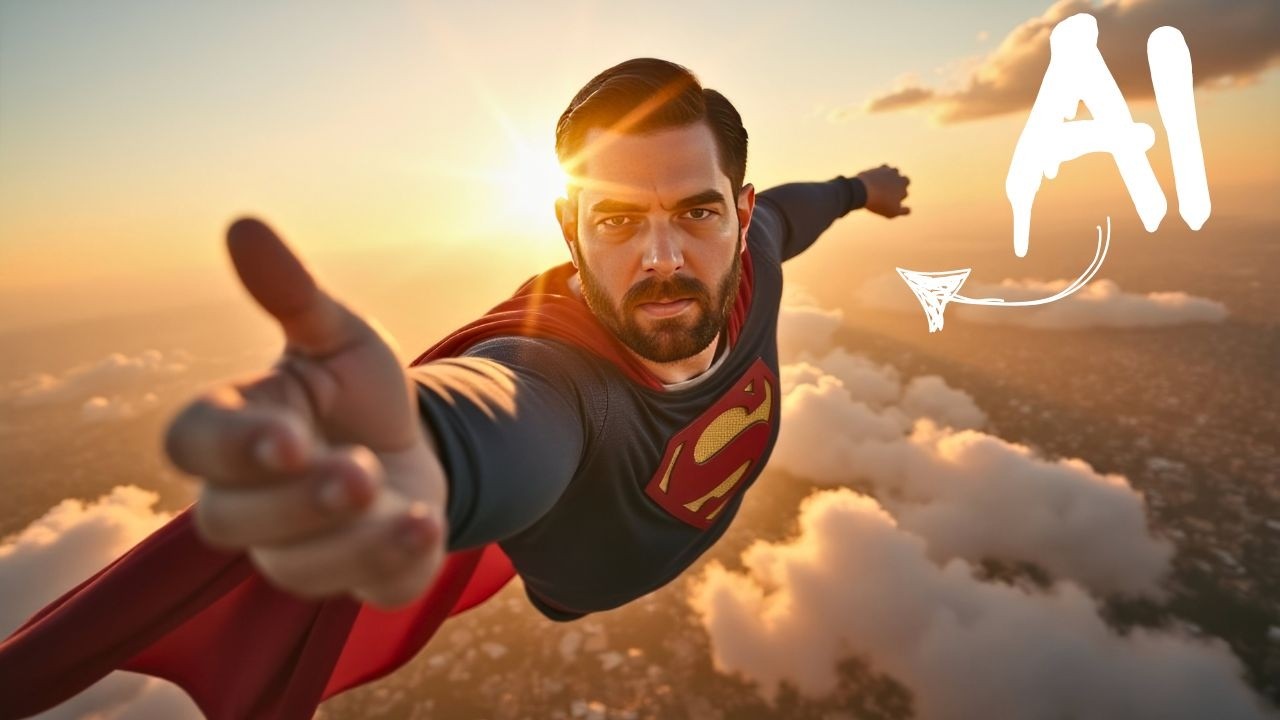
How To Make AI Images Of Yourself (Free)
Keywords
Summary
135 words
Critical Evaluation
Value of the Information & Strength of the Argument
The video provides high practical value by offering a step-by-step, accessible method to train a custom AI model, which is typically a complex task. The creator’s argumentation is solid: he explains the process clearly, provides cost breakdowns, and demonstrates results. He also addresses potential issues, such as the private model error, and offers a workaround. The inclusion of a free credit link adds tangible value, though it is not sponsored. The tutorial is well-structured and easy to follow, making it valuable for both beginners and intermediate users.
Scientific Rigor, Source Quality, Title Accuracy
The video is scientifically rigorous in its approach: the creator uses a well-known model (Flux) and a reputable platform (Replicate), and he provides transparent information about costs and limitations. He cites the specific tools and resources used, including links in the description. The title accurately reflects the content, and the video delivers on its promise. The creator also acknowledges errors and provides corrections, enhancing credibility. The sources cited are relevant and directly support the tutorial.
177 words
Title / Content Match
The title accurately reflects the content: a tutorial on creating AI images of oneself, with a free credit offer highlighted.
Quality & Reliability
8/10
The tutorial is clear, practical, and based on direct experience. The creator demonstrates the process step-by-step, acknowledges errors, and provides transparent cost breakdowns. The method is reproducible, though dependent on third-party services that may change.
Key Moments
Markers derived by PSI from the transcript: the creator did not define chapters.
- Introduction and examples of generated images
- Overview of previous methods and improvements
- Introduction to Replicate and setup
- Preparing images and Hugging Face token
- Configuring training parameters and starting training
- Training completion and cost calculation
- Using the LoRA to generate images
- Free credit offer and how to claim it
- Using Claude to optimize prompts
- Generating more images and tips for better results
- Turning images into videos with Runway and conclusion
Cited Sources
- Replicate invite link — Link to get $10 free credit for Replicate
- AI Toolkit on Replicate — Model used for training the LoRA
- Flux LoRA training on Fal — Alternative training option mentioned
- Google Colab notebook — Colab notebook for training
- FutureTools — Creator's website with AI tools
- Newsletter — Creator's newsletter
Concurring Sources
- Flux model on Hugging Face — The base model used in the tutorial
- LoRA documentation — Explanation of the LoRA technique
External References
Contribution & Novelties
The video provides a practical, up-to-date method for training a custom LoRA model with the latest Flux model, making the process accessible and affordable. It offers a free credit link, which is a unique value proposition. The tutorial also includes tips for optimizing prompts using Claude, which enhances the creative potential.
Pour aller plus loin :
- Flux model — The base model used for image generation.
- LoRA (Low-Rank Adaptation) — The technique used for fine-tuning.
- Replicate platform — The platform used for training and inference.
85 words
Radar Profile
The radar profile shows high scores in information quantity, quality, and reliability, with a slightly lower technical level. This indicates a well-balanced tutorial that is both informative and accessible, with a strong practical focus.
💬 Très positif. Sur les 30 commentaires analysés, la grande majorité exprime une gratitude et un enthousiasme marqués pour la clarté du tutoriel et la qualité des résultats obtenus, avec quelques retours sur des problèmes techniques rapidement résolus.