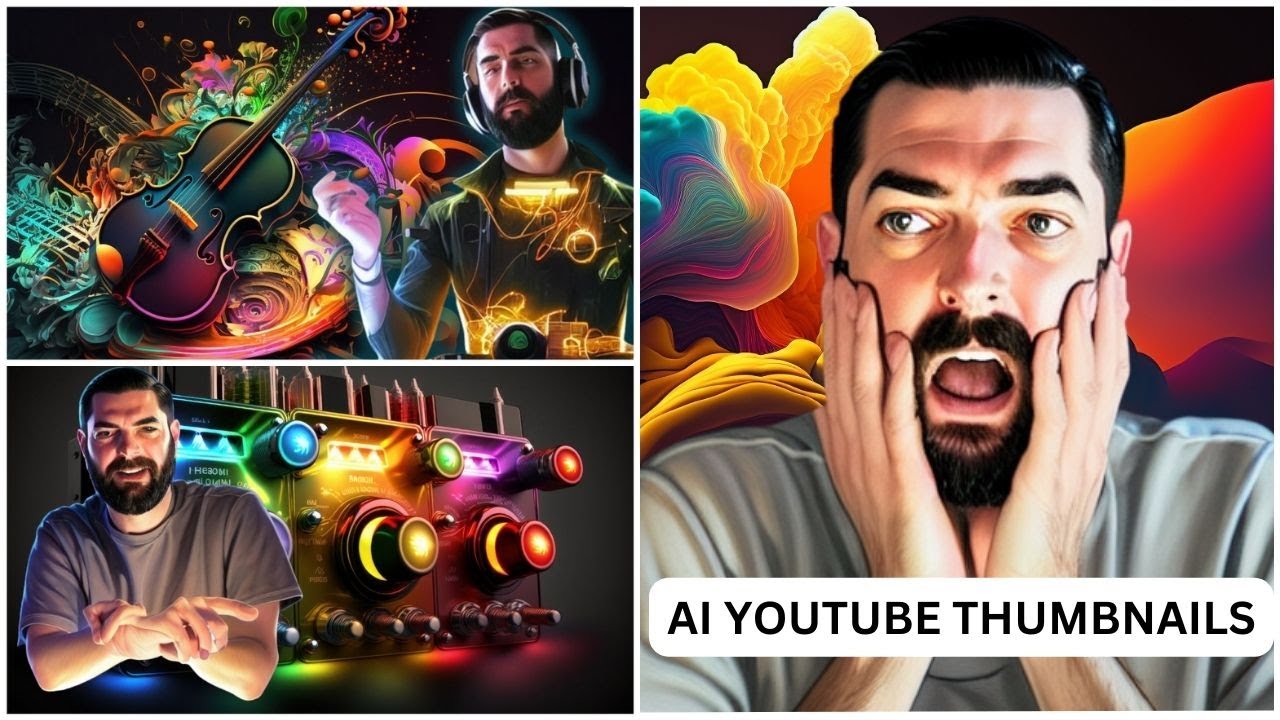
Revealed: This Is Exactly How I Make My Thumbnails
Keywords
Summary
153 words
Critical Evaluation
Value of the Information & Strength of the Argument
The video provides a high-value, step-by-step tutorial that is both practical and actionable. The creator demonstrates a clear and logical workflow, explaining each tool’s role and the reasoning behind his choices. He also addresses important considerations such as licensing and ethical use of reference images, which adds credibility. The argumentation is solid, as he supports his methods with real examples and results, and he effectively communicates the transformative potential of AI in creative work.
Scientific Rigor, Source Quality, Title Accuracy
The video is rigorous in its practical approach, showing real-time usage of tools and providing links to all resources in the description. The sources cited are primarily the tools themselves, which are well-known and reputable in the AI space. The title accurately reflects the content, and the video delivers on its promise. The creator’s transparency about the limitations and potential issues (e.g., licensing gray areas) enhances the overall reliability. The content is well-structured and the tutorial is easy to follow, though it assumes prior knowledge of some tools.
177 words
Title / Content Match
The title accurately reflects the content, which is a detailed walkthrough of the creator's thumbnail creation process.
Quality & Reliability
7/10
The tutorial is practical and transparent, showing a real workflow with specific tools and steps. The creator acknowledges limitations and ethical considerations (e.g., licensing of reference images). However, the video is based on personal experience and does not provide external validation or scientific evidence for the effectiveness of the methods.
Key Moments
Markers derived by PSI from the transcript: the creator did not define chapters.
- Introduction and overview of the thumbnail creation process
- Using MidJourney to generate a colorful glitch background
- Selecting and upscaling the background image
- Using Stable Diffusion with ControlNet to generate a pose
- Refining the face with inpainting
- Composing the thumbnail in Canva, removing background, adding effects
- Adding text and final touches
- Discussion on AI's impact on creativity and promotion of FutureTools
Cited Sources
- FutureTools.io — Main platform for discovering AI tools, mentioned as a resource for finding tools like background remover and upscaler.
- MidJourney — AI image generation tool used to create the background.
- RunDiffusion — Cloud-based Stable Diffusion service used for generating the face pose.
- Dreambooth — Tool used to train the model on the creator's face.
- Canva — Design tool used for final composition and text.
- Background Remover (rem-bg) — Free background removal tool mentioned as an alternative to Canva's paid feature.
- Image Upscaler — Free tool used to upscale images for higher quality.
- FutureTools Newsletter — Weekly newsletter mentioned for discovering AI tools and news.
- FutureTools Discord — Community platform for AI enthusiasts.
- Matt Wolfe's Blog — Personal blog of the creator.
- Mubert — Music generation tool used for the outro music.
- FutureTools Desktop Backgrounds — Resource for desktop backgrounds.
Concurring Sources
- Stable Diffusion — The AI model used for generating the face pose, widely documented and used.
- ControlNet — The extension used for pose control, a well-known open-source project.
- Dreambooth — The technique for training the model on a specific face, a recognized method.
Contribution & Novelties
The video offers a unique, behind-the-scenes look at a content creator’s AI-driven workflow, which is both practical and inspiring. It demonstrates a seamless integration of multiple AI tools (MidJourney, Stable Diffusion, ControlNet, Canva) to achieve a professional result. The emphasis on using licensed reference images and ethical considerations adds a responsible dimension to the tutorial.
Pour aller plus loin :
- Stable Diffusion — The underlying model for image generation, relevant to understanding the technology.
- ControlNet — A neural network structure for controlling diffusion models, used for pose guidance.
- Dreambooth — A method for personalizing text-to-image models, central to the face training process.
- MidJourney — The AI art generator used for the background.
- Canva — The design platform used for final composition.
121 words
Radar Profile
The radar profile shows a balanced performance with high scores in information quantity and technical level, indicating a detailed and technical tutorial. The quality and reliability scores are slightly lower, reflecting the personal and non-scientific nature of the content, but still solid for a practical guide.
💬 Très positif. Sur les 30 commentaires analysés, les spectateurs expriment une admiration et une gratitude marquées pour la transparence et la qualité du tutoriel, avec des éloges sur la clarté des explications et l'impact inspirant de la démonstration.