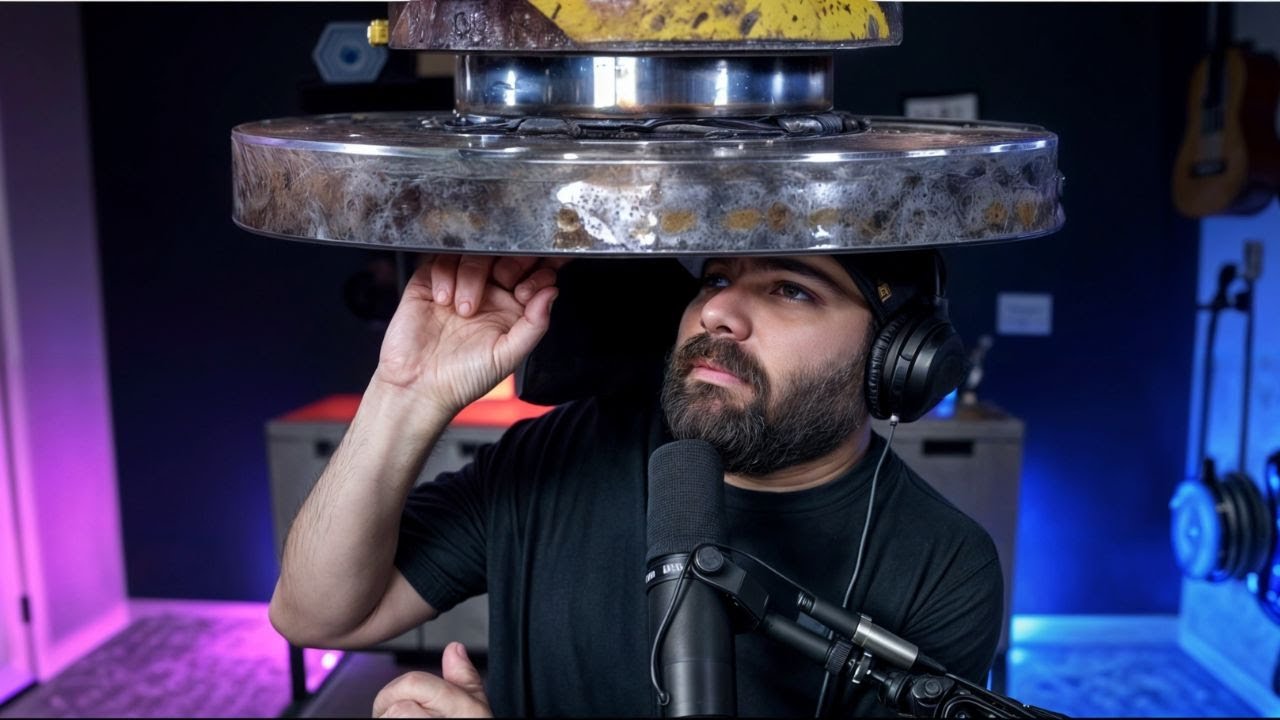
These AI Meme Videos Are Going Viral (Here's How They're Made)
Keywords
Summary
159 words
Critical Evaluation
Value of the Information & Strength of the Argument
The video provides practical, actionable information for viewers interested in creating AI-generated meme videos. The value lies in the clear demonstration of Pika 1.5’s new features and the honest assessment of its current limitations, including server load issues and the difference between free and paid tiers. The argumentation is straightforward: the creator shows his own tests, including failures, and offers a simple workflow for integrating the effects into videos. However, the video lacks depth in explaining the underlying technology or comparing Pika to other tools, and the testing is anecdotal rather than systematic.
Scientific Rigor, Source Quality, Title Accuracy
The video is a tutorial based on the creator’s direct experience with Pika 1.5. The sources cited are the Pika website and DaVinci Resolve, both relevant to the content. The creator explicitly states the video is not sponsored, which enhances credibility. The title accurately reflects the content, and the video delivers on its promise. However, the video does not provide external references or scientific backing, and the creator’s claims about the tool’s capabilities are based solely on his own testing, which may not be generalizable.
193 words
Title / Content Match
The title accurately reflects the content: the video explains how viral AI meme videos are made using Pika 1.5, with step-by-step demonstrations.
Quality & Reliability
7/10
The video is a hands-on tutorial by a known AI tools reviewer, demonstrating the Pika 1.5 'Pika effect' features. The creator provides transparent, unbiased testing, including limitations and server issues, and clearly states the video is not sponsored. However, the content is largely anecdotal and lacks systematic testing or external validation.
Key Moments
Markers derived by PSI from the transcript: the creator did not define chapters.
- Introduction: Matt Wolfe introduces the topic of viral AI meme videos and shows examples from other creators.
- Examples of viral videos: landmarks inflating, toilet melting, GPU sliced, etc.
- Introduction to Pika 1.5 and the new 'Pika effect' button with effects like inflate, melt, explode, squish, crush, and cify.
- First tests of the Pika effect: melting a box and a head of lettuce, then uploading his own headshot and testing cify, inflate, melt, explode, squish, and crush.
- Discussion of limitations: text-to-video generation not working, long generation times (hours) on free tier.
- Testing on X: asking if upgrading speeds up generations, responses from users indicate mixed results.
- Upgrading to Pro plan and observing that Pika effect generations become faster, but text-to-video still not working.
- Testing with a meme image and cify effect, noting glitches in the knife movement.
- Demonstrating how to use a freeze frame from a video to create a crushing effect with Pika, then editing in DaVinci Resolve.
- Conclusion: summary of the workflow, reminder that it's free but slow, and call to action to follow on Instagram and check FutureTools.
Cited Sources
- Pika — The AI video generation tool used in the tutorial, specifically the Pika 1.5 model and its 'Pika effect' features.
- DaVinci Resolve — Free video editing software used to combine the Pika-generated clips with original footage and create reverse effects.
- FutureTools — Matt Wolfe's website where he shares AI tools and news, mentioned as a resource for viewers.
- FutureTools Newsletter — Free newsletter mentioned for delivering AI news and tools to subscribers.
Concurring Sources
- Pika — The tool itself, which the creator demonstrates and discusses.
External References
Contribution & Novelties
The video provides a timely, hands-on look at Pika 1.5’s new ‘Pika effect’ features, which are currently trending in AI meme creation. It offers a practical workflow for creating these effects and integrating them into videos, which is valuable for content creators. The creator’s honest assessment of the tool’s limitations, including server issues and the difference between free and paid tiers, adds credibility. However, the video does not delve into the technical details of how the AI generates these effects, nor does it compare Pika to other similar tools like Runway or Sora.
Pour aller plus loin :
- Pika 1.5 official page — The tool itself, where users can try the features.
- Generative AI video synthesis — Overview of generative AI, including video generation.
- Diffusion models — The underlying technology often used in AI video generation.
- DaVinci Resolve — The free editing software used in the tutorial.
147 words
Radar Profile
The radar profile shows a balanced performance across all dimensions, with slightly lower scores in technical depth and information quantity. The video is a practical tutorial that delivers on its promise, but it lacks in-depth analysis and external validation, which is reflected in the moderate scores.